Creating an Offer
0 min
To create an offer, log into Enefits and navigate to Create Offer from the side menu.
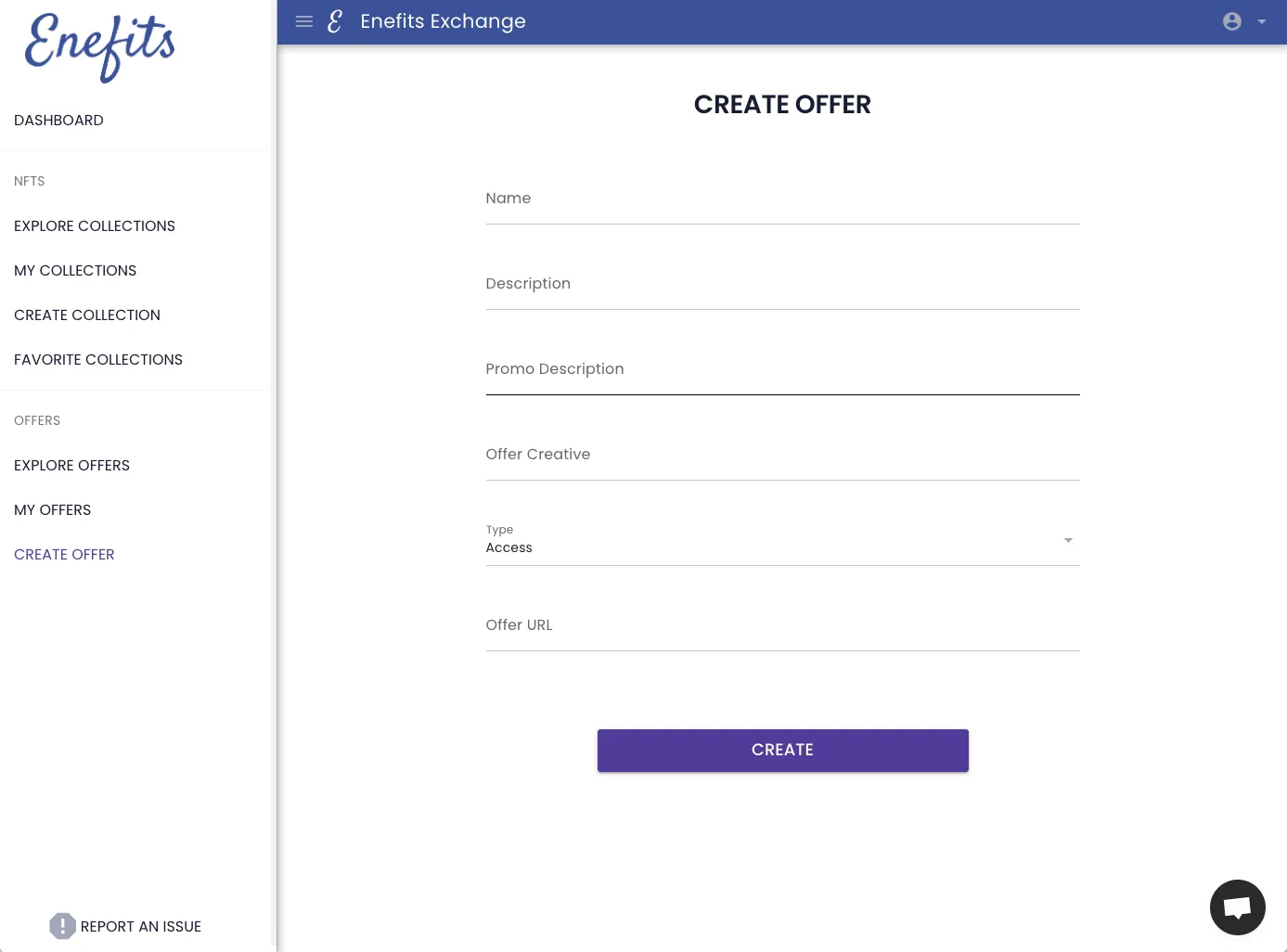
The Enefits Offer Creation Screen
Complete the form to set up your offer using the guide below.
Name: Give your offer a name
Description: Describe your offer as you would like your users to view the offer
Promo Description: Similar to Description, enter a user-centric promotional tagline to describe your offer
Offer Creative: Upload a creative that will go with your offer
Type: Choose Access for type
Offer URL: Enter a URL where more information about the offer can be found
Press Create to create the offer and move onto the next step: Targeting the offer to collections